
Graduate job application tracker: what to record and how to use it
Build a useful graduate job application tracker: record deadlines, CV versions, confirmed submissions and next actions without losing track of your evidence.
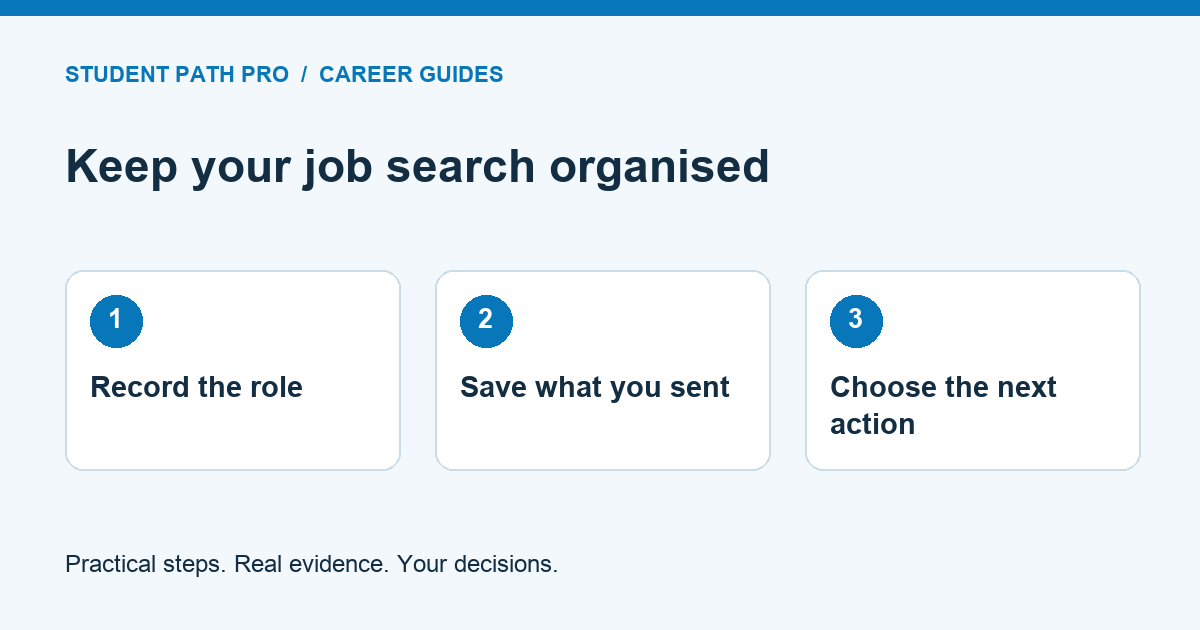
A graduate job application tracker is a record of the roles you are considering, the applications you have actually submitted and the next action for each one. It can be a simple table. Its value comes from keeping accurate information, not from collecting the largest possible list of vacancies.
This guide explains a practical setup you can build in a document, a spreadsheet or an application workspace. The examples are fictional. The suggested review routine is an organisational method, not a claim that tracking applications guarantees interviews or employment.
Start with one row per opportunity
Record the employer, role title, location, original vacancy link and the date you checked it. Add a short note explaining why the role interests you. This makes it easier to distinguish a considered application from a vacancy you saved while browsing.
Where available, record the employer's vacancy reference. Similar titles can describe different jobs, and the same role may appear on several boards. Check the employer, reference and location before creating another entry. One vacancy advertised in three places usually needs one record with the original source clearly identified.
Save enough of the advert for your preparation where permitted. A link alone may stop working after recruitment closes. Keep your notes factual and avoid copying or redistributing vacancy content publicly without permission.
Separate deadlines from your own target dates
Give the published closing date its own field. Record the time and time zone if the employer provides them. If no deadline is stated, write not stated rather than guessing. Check the original advert again before relying on an old entry.
Use a separate personal target date for completing your preparation. For example, you might aim to finish your first draft before the employer's closing day so there is time to review it. Your target date is a planning choice, not an extension of the employer's deadline.
If the advert says applications are reviewed as they arrive, preserve that wording in your notes. Do not assume that every graduate scheme follows the same timetable or that an open webpage means a vacancy is still accepting applications.
Use statuses that describe real events
A small, clear set of statuses is easier to maintain than dozens of labels. Consider saved, researching, preparing, submitted, assessment, interview and closed. Add withdrawn where you have actually withdrawn an application.
Submitted should mean that you completed the employer's required submission step. A finished CV, an opened application form or a prepared email is not the same event. Keep a confirmation email or reference when one is provided, and record the submission date separately from the date you started drafting.
If the outcome is unclear, write awaiting confirmation and check the employer's instructions. Avoid recording a rejection simply because you have not heard back. Unknown is a useful state when it accurately describes what you know.
Give every active row one next action
Next action is the field that turns a list into a working tool. Use a concrete instruction such as check qualification requirement, draft motivation answer, review CV or prepare presentation. Add a date for doing it and enough context to restart without rereading everything.
A fictional row might say: Alder Research, graduate project assistant, preparing, next action review the research example against the person specification, target Tuesday. The name and role are illustrative. They show how a task can be specific without implying any real vacancy exists.
Avoid vague actions such as work on application. Break a large task into a first manageable step. If there is genuinely nothing to do while waiting, record that rather than inventing a follow-up task.
Link the exact application materials
Record the filename or private location of the CV, cover letter and application answers used for that role. Keep final versions distinguishable from drafts. An interview invitation is much easier to prepare for when you can retrieve the evidence the employer has already seen.
The National Careers Service's application-form guidance advises preparing relevant experience and qualification information. Our additional recommendation is to maintain a reusable evidence bank, then record which examples you selected for each application. Reuse facts, but review each answer against the actual question.
Do not place passwords, passport scans, National Insurance numbers or other sensitive identity documents in a general job-search tracker. Keep access limited and use an appropriate secure location for documents an employer legitimately requires.
Make follow-up a deliberate decision
Add the employer's stated response timetable where it gives one. A follow-up may be reasonable after that period, using the contact route the employer provides. Respect instructions that say not to contact the hiring team or that explain unsuccessful applicants may not receive an individual reply.
Record when you sent a message and what it concerned. This prevents repeated enquiries and helps you notice a response. Do not send the same message through several channels just because the first one has not been answered.
Your tracker should support your judgement. It should not automatically contact recruiters, submit applications or mark tasks complete without evidence that those actions happened.
Run a short weekly review
Choose a regular time to review active opportunities. Check approaching deadlines, remove duplicate records, update confirmed outcomes and select the next tasks you can realistically complete. Recheck vacancy availability before investing further effort in an old saved listing.
Look at patterns carefully. Several incomplete applications may suggest that your preparation process needs simplifying. Repeated assessment invitations may mean interview or test preparation deserves more attention. A small sample cannot prove why an employer made a decision, so avoid turning guesses into conclusions.
Close rows when there is a confirmed outcome or when you decide not to proceed. Keep a brief reason that will help future choices, such as location unsuitable or qualification required. You do not need an elaborate dashboard to learn from your own decisions.
Connect the tracker to your preparation
Our CV tailoring guide explains how to connect a role's requirements with evidence you can support. Keep that evidence map beside the relevant tracker entry. When an interview arrives, use the saved advert and submitted documents to choose examples for practice.
SPP's Application Workspace and Applications pages describe its connected preparation and tracking features. Check the current service terms and pricing before relying on a particular tool. A simple table is enough to begin if you prefer to establish the habit first.
The essential test is straightforward: can you tell what you applied for, what you sent, what happened and what you need to do next? If your tracker answers those questions accurately, it is doing useful work.